
Spark Laser engineering team · November 23, 2026
Laser sourcesMachine vision + AIBuying a machine
When a customer, an auditor or your own quality team asks "which batch did this part come from?", the answer is only as good as the mark on the part. Labels peel, ink fades and handwritten tags get lost. A laser mark is part of the surface itself, which is why it is the usual way to make parts traceable for their whole life.
This post covers what to put on a part, how 2D codes and UDI fit in, which laser suits which material, and the one step people most often skip: reading the code back before the part moves on.
What to mark
Most traceability marks are some mix of:
- A serial number, unique to one part, so every result and every repair can be tied to it.
- A lot or batch code, so a problem found later can be traced back to a material lot, a shift or a machine.
- A part number and revision, so the right part goes into the right assembly.
- A date, often written as a short code.
- A 2D code that holds all of the above in a few millimetres and can be read by a scanner in a fraction of a second.
- Branding and regulatory symbols, where the product needs them.
Human-readable text and a 2D code are often marked side by side: the code for the scanners, the text for the person holding the part.
DataMatrix and other 2D codes
The DataMatrix is the square code you see on circuit boards, medical devices and machined parts. It is popular for direct part marking because it packs a lot of data into a small area and carries built-in error correction: a code that is partly scratched or dirty can often still be read. QR codes work too and are familiar to phone users, but industrial parts most often use DataMatrix.
A few things decide whether a code reads reliably for years:
- Size. Bigger cells read more easily, especially on rough or curved surfaces. Make the code as big as the space allows.
- Contrast. Dark on light or light on dark, with the same result on every part, not just the first one.
- A quiet zone. A clear border around the code, free of edges, text and tool marks.
- The surface. A shiny, curved or textured surface is harder to mark and harder to read than a flat matte one, so it may need a different mark type or a tuned reader.
Plants that depend on their codes often grade them with a verifier, which scores how readable a code is, not just whether one scanner read it once. If your customer sets a minimum grade, ask for it in the specification.
UDI on medical devices
Medical device makers selling in the US work under the FDA's Unique Device Identification (UDI) rule: a device carries an identifier in plain text and in a machine-readable form, such as a 2D code. For some devices that are used more than once and reprocessed, the identifier has to be marked on the device itself, not only on the label, so it survives cleaning. Other markets have their own rules.
The exact requirement depends on your device, so your regulatory team has the final word. What a machine builder needs from you is the content, the format and the size of the mark, the surface it goes on, and the records the machine must keep.
Which laser for which material
The material decides the laser, and a short test on real parts decides the settings:
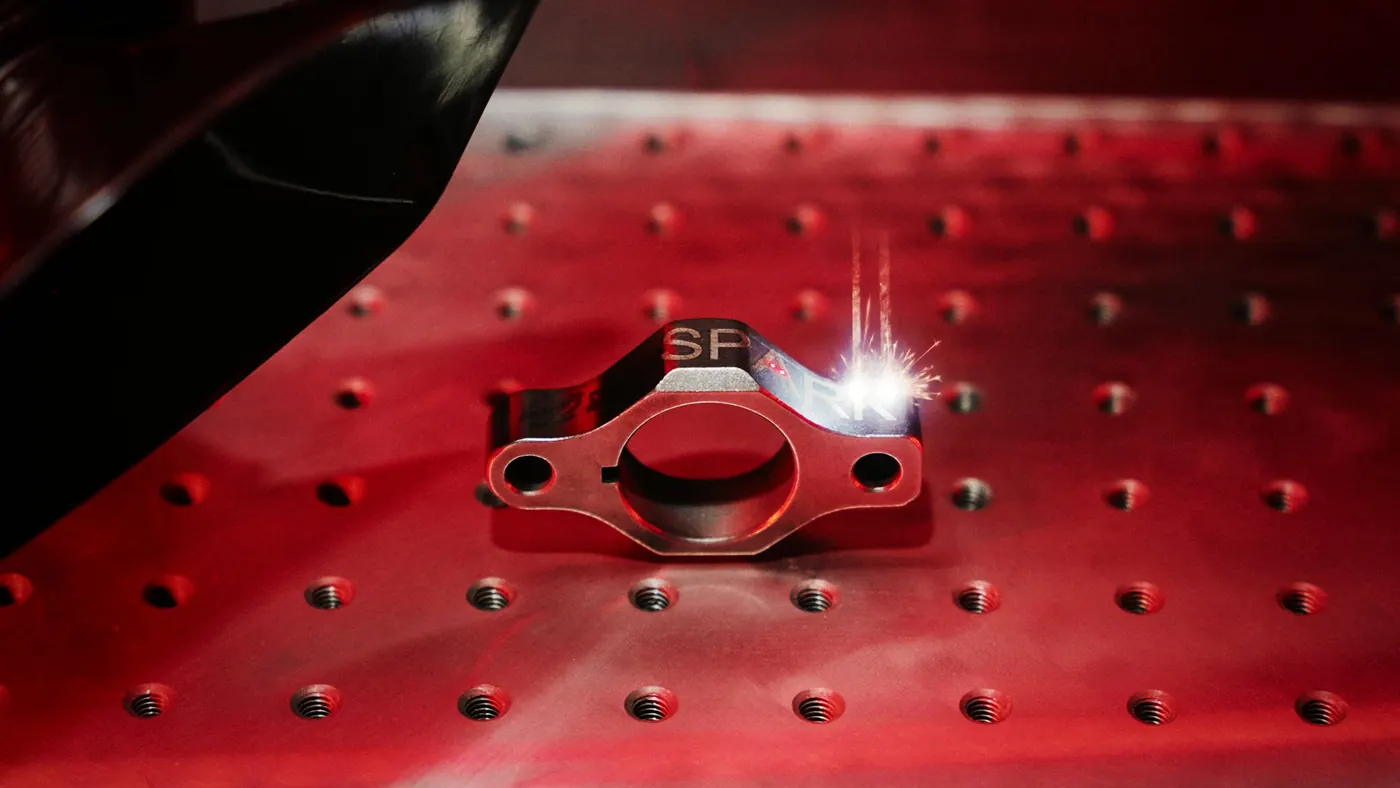
- Metals: pulsed fiber lasers are the usual choice. On stainless steel a laser can engrave (remove material) or make a dark colour change in the surface with almost no depth, which suits parts where the surface must stay smooth.
- Wood, fabric, leather, acrylic and many plastics: CO₂ lasers.
- Fine marks and heat-sensitive parts: UV lasers, which mark with very little heat.
Plastics vary the most: some mark beautifully, others melt or barely change colour. Test before you choose.
Which laser for your mark?
A pulsed fiber laser is the usual choice. Engraved or dark colour-change text, tested on your real parts.
A general guide. A test on your own parts settles it.
Read it back before the part moves on
A mark nobody can read is worse than no mark, because everyone downstream assumes it's there. That is why a marking station should read every code straight after marking and check it against what was meant to be marked. A failed read stops the part at the station, where it is easy to fix, instead of at your customer.
The same read is what makes the record: the code, the time, the station and any inspection results are saved together, so a part can be looked up years later.
Getting parts to the laser
The laser is often the easy part. The station around it decides the speed and the consistency: how parts arrive (by hand, in trays, from a feeder or off a conveyor), how each one is held in the same spot every time, how round or large parts are turned under the beam, and how the marking program gets the next serial number without anyone typing it.
How Spark Laser builds marking stations
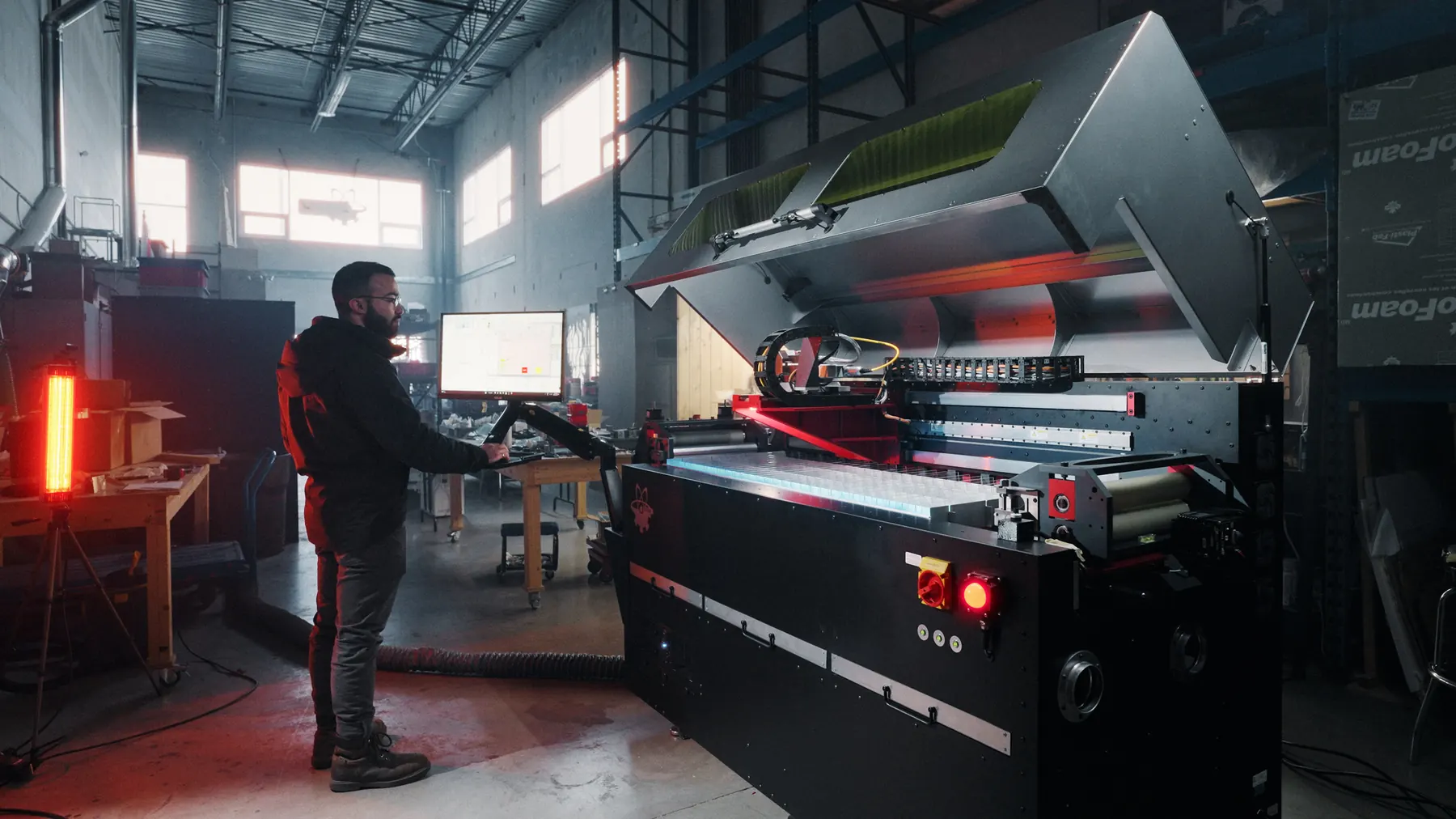
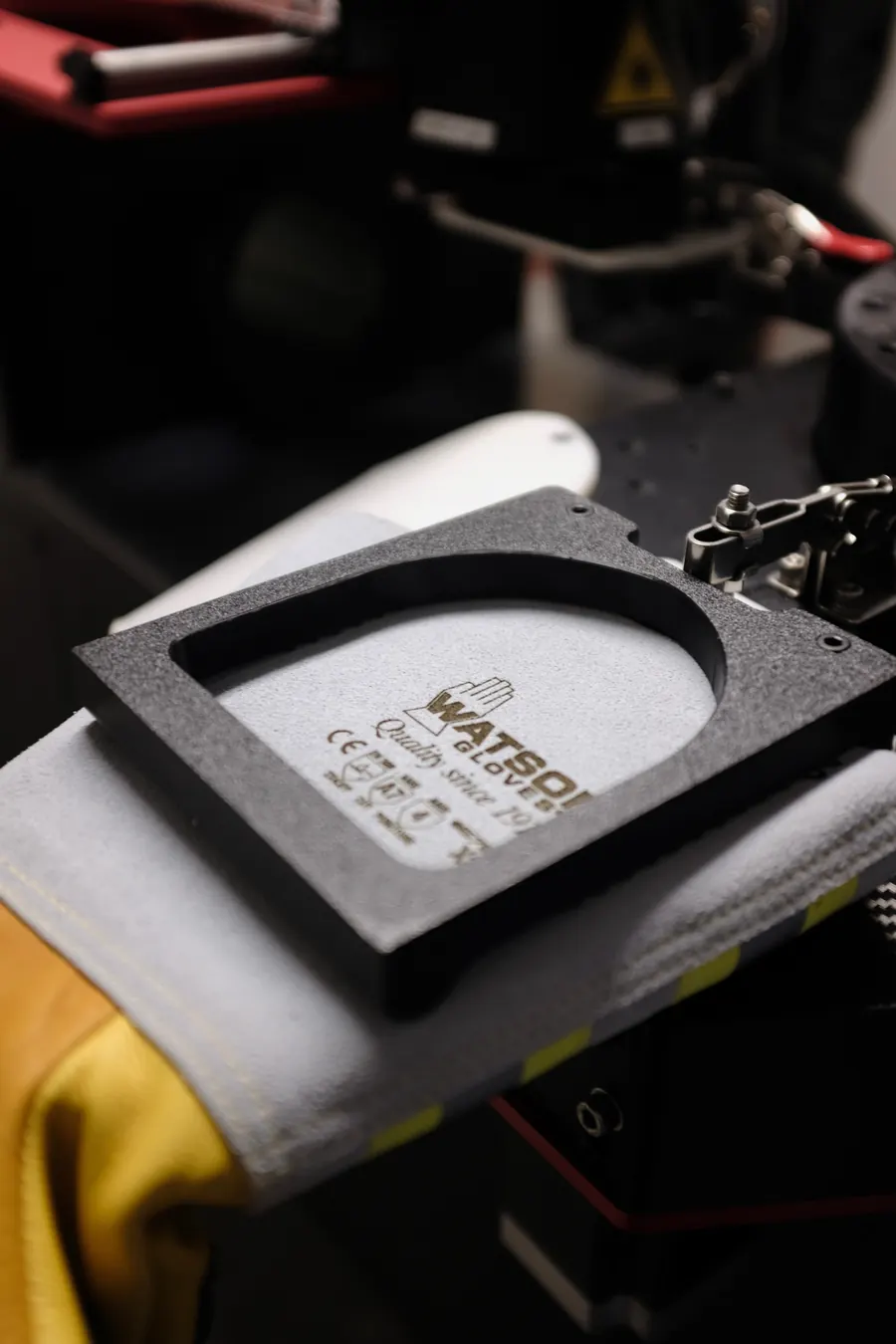
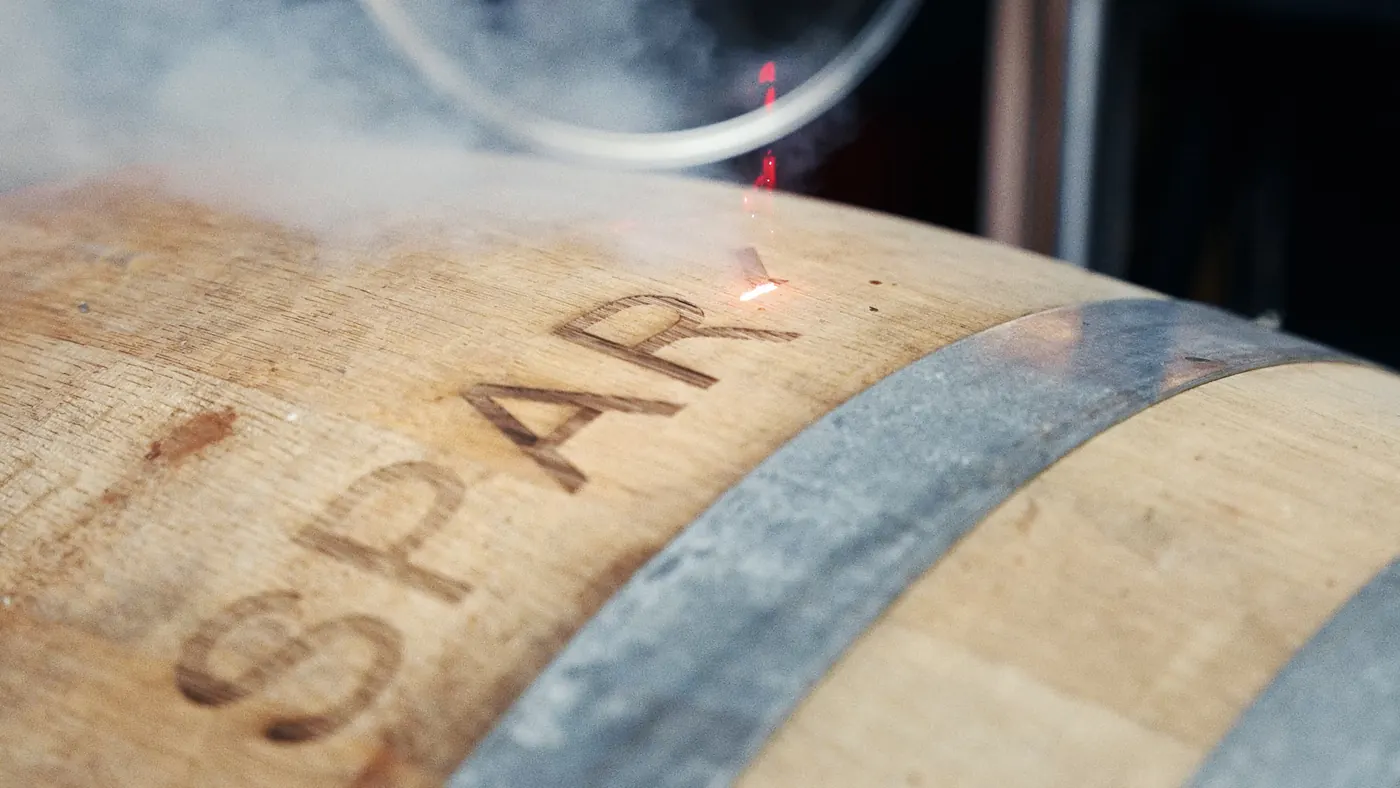
We build galvo marking stations with automated part feeding for serial numbers, UDI, lot codes, 2D codes and branding, with a code reader checking the mark and every result logged to the part's serial. Examples on our work page include an automated glove marking station for Watson Gloves (CSA certified) and a rotary attachment that turns full-size whisky barrels under a CO₂ galvo laser for West Coast Barrel Co.
Marking can also share a station with cutting, welding and inspection; see our industrial laser stations. If you are not sure which source fits your material, how to choose a laser source is a good next read.
What to send for a marking project
- Sample parts, ideally your hardest ones: shiny, curved or textured.
- The content of the mark, its size and where it goes on the part.
- The rate you need and how parts arrive.
- Any grade, standard or customer requirement the code must meet.
- Where the records must go: a spreadsheet, your MES or a database.
Send what you have and book a short call. We'll test on your parts first.
Questions we hear
Is a laser mark permanent?
On most metals and many plastics, yes: the laser changes or removes the surface itself, so there is no ink or label to wear off. How well it lasts still depends on the material, the mark type and what the part goes through, so it should be tested on real parts.
Why read the code back right after marking?
A code that can't be read is the same as no code. Reading it inline with a code reader catches a bad mark while the part is still at the station, and links the code to the part's record straight away.
Which laser do I need for marking?
It depends on the material. Pulsed fiber lasers are the usual choice for metals, CO₂ lasers for wood, fabric, leather, acrylic and many plastics, and UV lasers for fine marks with very little heat. A short test on your parts settles it.